How to Document AC Damage for a Florida Insurance Claim
An air conditioner can stop cooling after a storm, power event, or sudden water leak. However, the same symptom can also come from age, corrosion, poor maintenance, or mechanical failure.
If you need to document AC damage , start with evidence before arranging permanent repairs. Clear photos, a written HVAC inspection, repair records, and organized communication can help the insurer understand what happened. They still won't guarantee coverage, because your policy determines whether the cause and resulting damage qualify.
How to Document AC Damage Before Cleanup
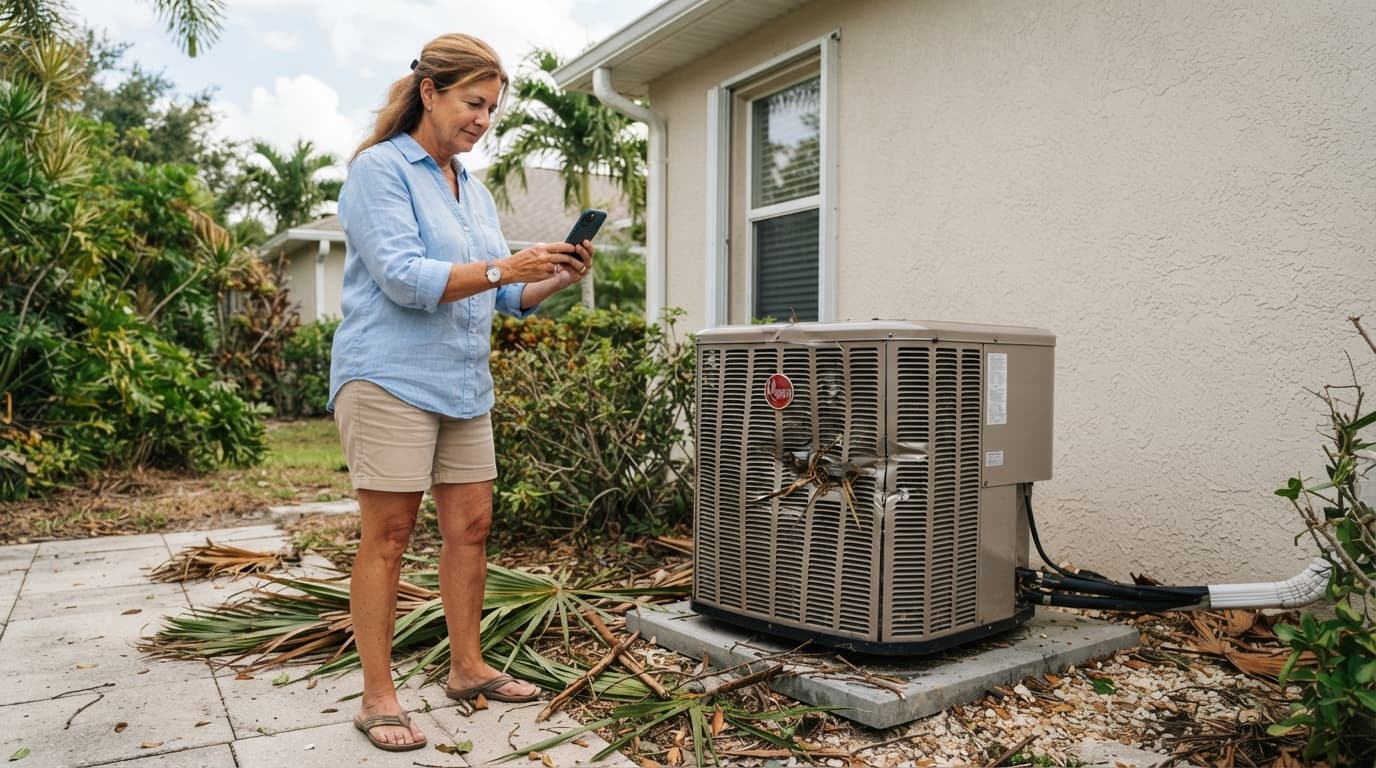
Begin as soon as you notice a problem, but only inspect the equipment when conditions are safe. Florida storms can leave standing water, exposed wiring, unstable fencing, and other hazards near an outdoor condenser.
Photograph the damage before moving equipment or cleaning affected areas. If the unit is unsafe to approach, stay clear and wait for a qualified technician.
Write down the timeline
Create a claim log with the date and time the air conditioner last worked normally. Then record when you noticed warm air, unusual sounds, water, burning odors, a tripped breaker, or visible damage.
Include the weather and any event that may relate to the loss. Note heavy rain, lightning, high winds, flooding, a nearby transformer problem, or a power interruption. If you don't know what caused the failure, write that down instead of guessing.
Save thermostat records, utility outage notifications, and earlier service invoices when they help establish the timeline. A short, factual record is more useful than a theory about what failed.
Take wide, close, and video evidence
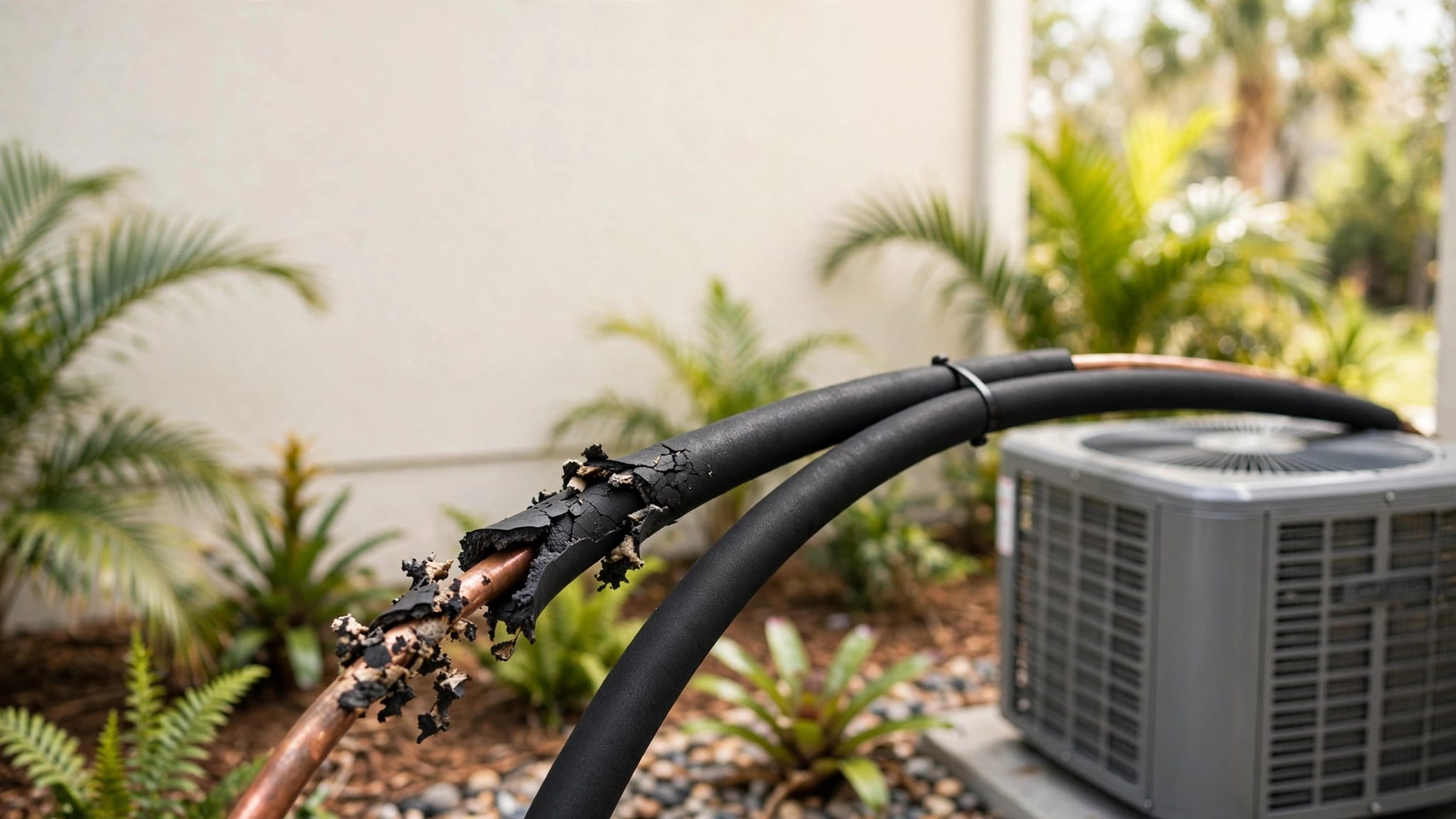
Use wide photos to show the condenser's position and surrounding property. Follow those with close images of bent panels, impact marks, loose wiring, damaged disconnects, fallen debris, water stains, or other visible conditions.
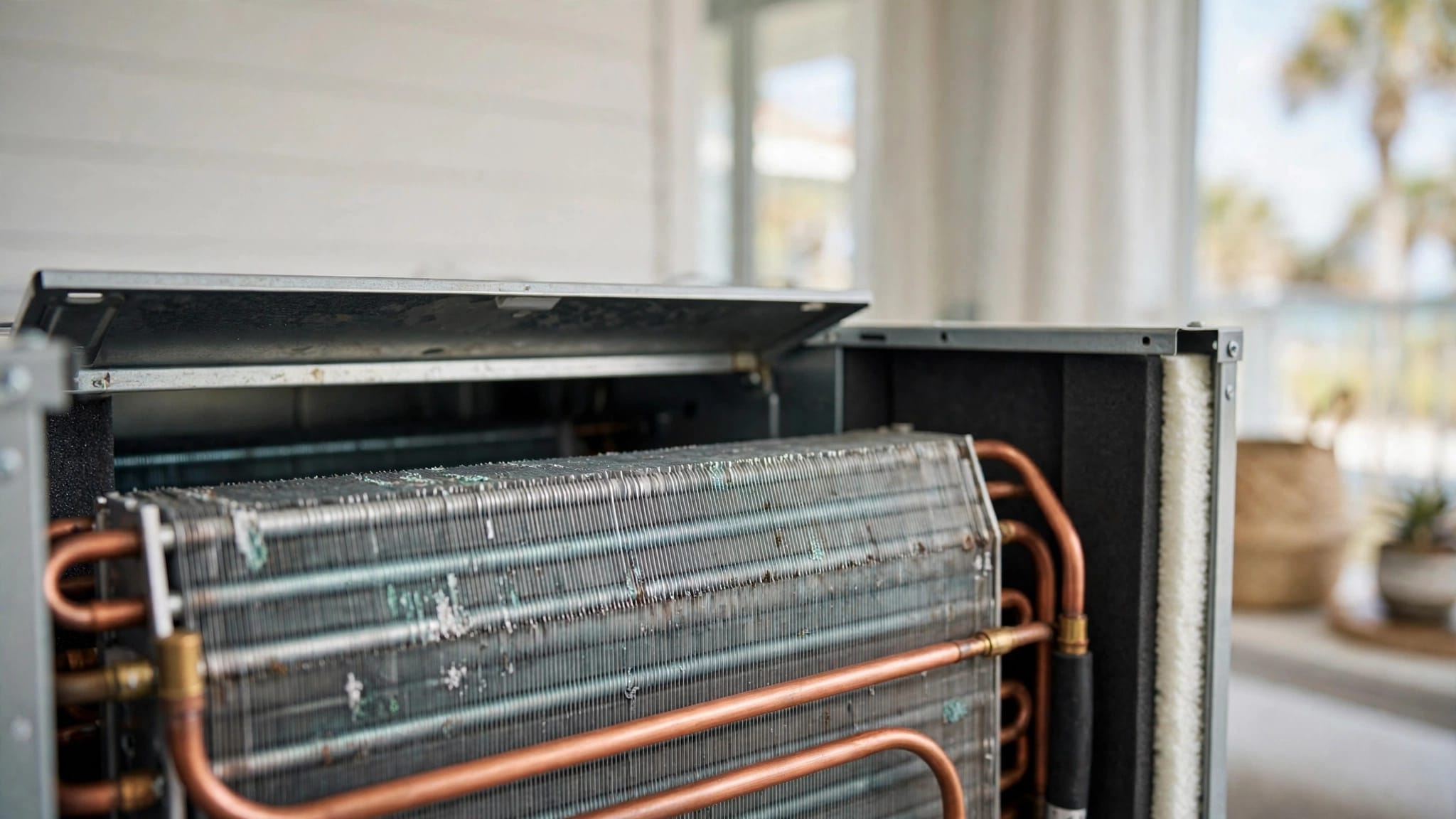
Inside, photograph the air handler, drain pan, condensate line, nearby drywall, flooring, insulation, ceilings, and personal property affected by water. Take a picture of the model and serial number plate if you can reach it safely.
A short video can capture an active drip, unusual noise, or the thermostat failing to produce cooling. Keep the original files, preserve their timestamps, and back them up before sending copies to anyone.
Prevent Further Damage Without Destroying Evidence
Florida's heat and humidity make a failed AC uncomfortable, but rushing into a permanent replacement can remove evidence an adjuster may need. Focus first on safety and temporary steps that limit additional damage.
If water is near electrical equipment, smoke or burning odors are present, or wiring looks exposed, turn off the system only from a dry, safe location. Don't enter standing water or open electrical panels. Contact an HVAC technician or electrician when the condition presents a safety risk.
Use temporary protection
Place a container beneath an active drip if you can do so without touching unsafe equipment. Move furniture, electronics, and other belongings away from water. Dry affected areas with safe equipment, but don't use powered devices in wet locations.
Don't add refrigerant, bypass a safety control, or disassemble the condenser before inspection. Those actions can change the condition of the system and make the cause harder to determine.
When water removal or another emergency step can't wait, photograph the area first. Keep every invoice and receipt. Ask the insurer whether it wants to inspect before a component is removed, unless waiting would cause more damage.
If you need immediate service in Lee County, 24/7 emergency HVAC service in Fort Myers can address unsafe or urgent cooling problems. Tell the technician that an insurance claim may be involved before work begins.
Keep damaged components when safe
Don't permanently repair, replace, or discard a damaged compressor, fan motor, coil, disconnect, thermostat, or other component before inspection when safe. Store removed parts in a dry, secure place and label them with the date and location.
If a technician must remove a part to restore safe operation, ask for photos and a written note describing what happened. Request confirmation about whether the part will be retained for inspection.
Get a Written HVAC Inspection
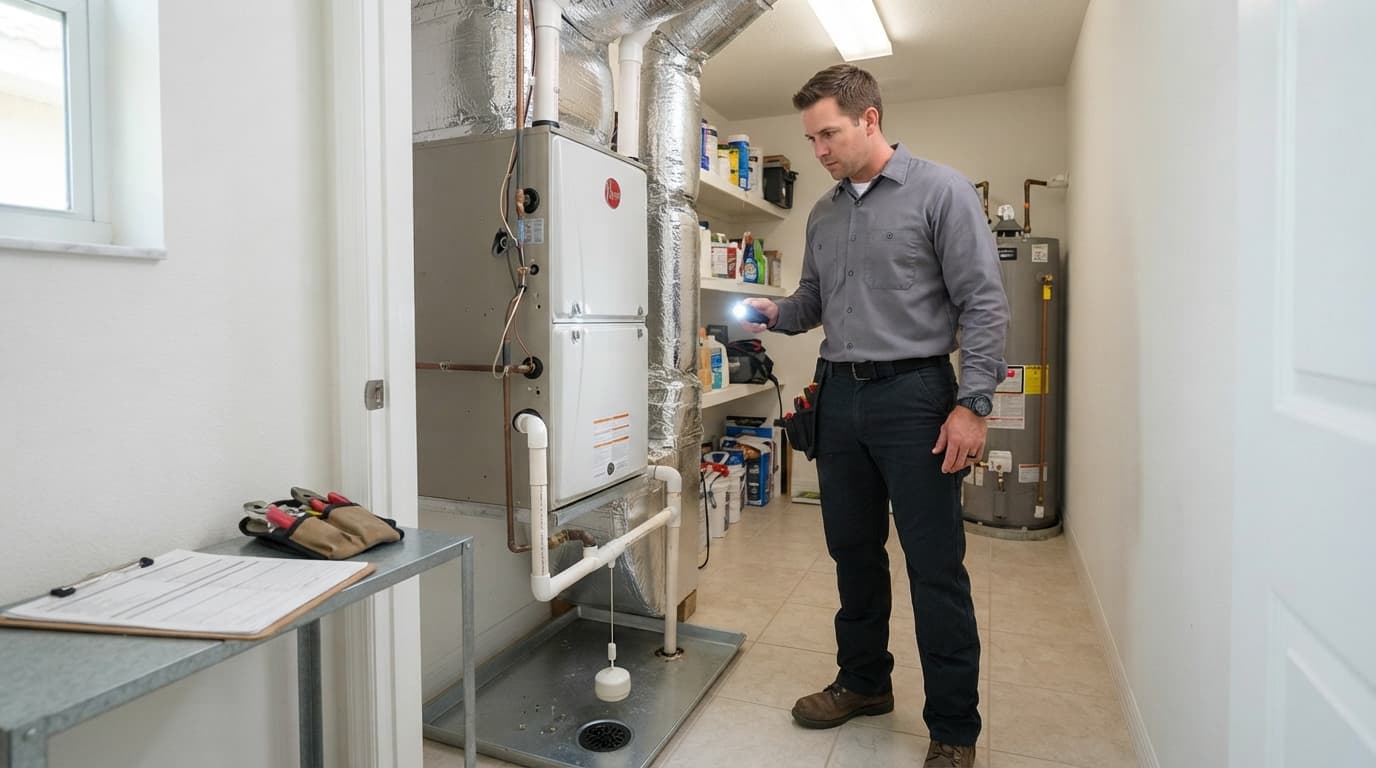
An insurance adjuster evaluates the claim, but an HVAC technician can document the system's physical condition. A written report gives the insurer a clear record of what the contractor observed and tested.
Ask for findings, not a coverage opinion
A useful HVAC report should identify the equipment's make, model, serial number, approximate age, and location. It should also describe the symptoms, diagnostic tests, visible damage, and parts that failed.
Ask the technician to state whether the findings are consistent with storm impact, a power event, water overflow, corrosion, normal wear, or another cause. If the cause can't be confirmed, the report should say that clearly.
The estimate should separate diagnostic charges, labor, parts, refrigerant, disposal, permits, and any temporary work. If replacement is recommended, ask why repair is not practical and whether the proposal includes equipment that fits the home's existing ductwork and electrical requirements.
A technician shouldn't promise that the insurer will cover the work. The report should stick to measurable conditions and professional findings. For more context on the decision, review this Fort Myers AC repair or replacement guide.
Homeowners in Fort Myers and Lee County can also Schedule an Estimate for a written inspection and pricing information.
Separate pre-existing condition
Insurance documentation should distinguish new damage from conditions that existed before the reported event. Older rust, long-term corrosion, previous leaks, repeated breakdowns, and deferred maintenance can affect how the insurer evaluates the claim.
Gather earlier maintenance invoices, repair records, warranty documents, inspection reports, and dated photos. Place them in a separate "pre-existing condition" folder rather than mixing them with new-loss evidence.
Be accurate if the system had trouble before the event. A new electrical failure can occur in an older unit, and an existing condition doesn't automatically explain every later problem. Let the technician describe what the current inspection shows.
Check Coverage and Florida Claim Deadlines
The way you document AC damage should match the event that caused it. A storm-damaged condenser is different from a compressor that stopped because of age, and water from a sudden HVAC overflow may fall under different policy language than a mechanical breakdown.
Review the cause and policy language
Standard homeowners insurance often doesn't cover ordinary wear, corrosion, lack of maintenance, or mechanical breakdown by itself. A covered storm, lightning strike, or sudden accidental event may receive different treatment, depending on exclusions, deductibles, endorsements, and the policy's terms.
Even when a water loss is covered, a special sublimit may apply. Citizens' published HO-3 worksheets identify accidental discharge or overflow from an HVAC system under a special limit. Different worksheet versions list a $3,000 limit and a $10,000 combined limit for Coverages A and B, so Citizens policyholders should check the form attached to their own policy.
Review sections covering sudden and accidental discharge, equipment breakdown, service lines, water damage, ordinance or law, and emergency repairs. A failed AC unit doesn't automatically mean every related expense is covered.
Put deadlines on your calendar
Florida deadlines and policy deadlines can differ. Verify the current rule with your insurer and read the exact policy form before relying on a general time period.
| Claim task | Deadline or question to verify |
|---|---|
| Report a new or reopened claim | Florida Statutes Section 627.70132 generally allows one year from the date of loss |
| Report a supplemental claim | The same statute generally allows 18 months from the date of loss |
| Insurer acknowledgment | Section 627.70131 generally requires acknowledgment within seven days, subject to exceptions |
| Pay-or-deny decision | Insurers generally have 60 days after notice, subject to factors beyond their control |
| Proof of loss | Check the policy form, which may require 60 days after a request; Florida law also includes 90-day language for many losses |
| Written claim status | Section 627.7142 provides a status response process after a complete proof-of-loss statement |
Citizens tells policyholders to report damage as soon as they become aware of, or suspect, it. Citizens claims can be reported through myPolicy or by calling 866-411-2742 at any time.
These rules are time-sensitive and can change. The policy's proof-of-loss wording controls your specific claim, and a private carrier or surplus-lines policy may use different forms. This article provides general information, not individualized legal advice.
Organize Files for an Insurance Claim
Good documentation becomes harder to use when photos, invoices, and emails are scattered across several devices. Create one master folder as soon as you receive the claim number.

Photo by Kindel Media
Use a simple folder structure
Name the main folder with the claim number and date of loss. Add folders for:
- Policy documents and the initial claim report
- The timeline, weather records, and outage information
- Original photos and videos
- HVAC inspection reports and estimates
- Temporary repair invoices and receipts
- Emails, letters, portal messages, and call notes
- Pre-existing condition records
Use clear file names such as YYYY-MM-DD_outdoor-condenser_west-side.jpg
. Keep the original photo files and create separate copies for email or portal uploads. Back up the folder to a secure cloud location and another device.
Track receipts and communications
Save bills for diagnostic visits, emergency drying, temporary cooling, dehumidification, repairs, and other work connected to the loss. Coverage for these expenses depends on the policy, so ask before authorizing non-emergency work when possible.
Citizens advises policyholders to keep receipts for temporary emergency repairs and submit receipts to the adjuster. Scan or photograph each original before handing it over, then keep the copy with your claim records.
For every call, record the date, representative's name, department, claim number, and promised next step. Save emails and portal messages as PDFs. After an important phone call, send a short written follow-up that confirms what you understood and asks the insurer to correct anything inaccurate.
Report the Claim With Clear, Factual Information
When you make the first report, describe what you observed rather than presenting an unconfirmed cause. Give the date you noticed the problem, the event that preceded it, affected areas, visible damage, emergency steps, and the technician's contact information.
Tell the insurer whether the equipment is still in place and whether any temporary work has already occurred. Provide photos, but keep the original files. Ask for the claim number, adjuster's contact information, inspection instructions, proof-of-loss forms, and deadlines in writing.
If the insurer requests a recorded statement or sworn proof of loss, read the request carefully and meet the stated deadline. Ask questions before submitting information you don't understand. Keep copies of every form and attachment.
A written claim status request can also help when communication slows. Florida law provides a process for requesting confirmation that a claim is fully covered, partially covered, denied, or still under investigation.
Printable AC Insurance Checklist
Use this short list before submitting photos or authorizing permanent work:
- Record when the AC last worked and when you noticed the problem.
- Photograph the condenser, air handler, model plate, surrounding property, and interior water damage.
- Capture active leaks, unusual sounds, or other conditions in a short video.
- Take safe temporary steps to prevent additional damage.
- Avoid permanent repairs, replacement, or disposal before inspection when possible.
- Keep removed components and all emergency-work receipts.
- Obtain a written HVAC inspection with findings and an itemized estimate.
- Separate new damage from pre-existing conditions and older repair history.
- Report the claim promptly and record the claim number.
- Save copies of every email, form, photo, receipt, and conversation note.
- Verify the policy's proof-of-loss and supplemental-claim deadlines.
Conclusion
A successful AC insurance claim starts with a reliable record of what happened, not with a rushed replacement. Photograph the system, preserve damaged parts when safe, prevent additional damage, and obtain a written HVAC inspection that separates current findings from pre-existing conditions.
Coverage depends on the cause, policy language, deductible, and applicable limits. Report the loss promptly, protect every document, and verify Florida deadlines against your current policy and insurer guidance. Clear evidence gives everyone reviewing the claim a more accurate picture of the damage.
Recent Posts